

Area, Linear, and Count
Measure SF, LF, and EA from the same plan set with classifications built for restoration work.
Ottawa: Water damage? Report it here for restoration help.
AiNDORA Takeoff helps estimators and scope writers capture area, linear, and count measurements from PDFs and drawings, without generic construction bloat.
Benefits
Measure SF, LF, and EA from the same plan set with classifications built for restoration work.
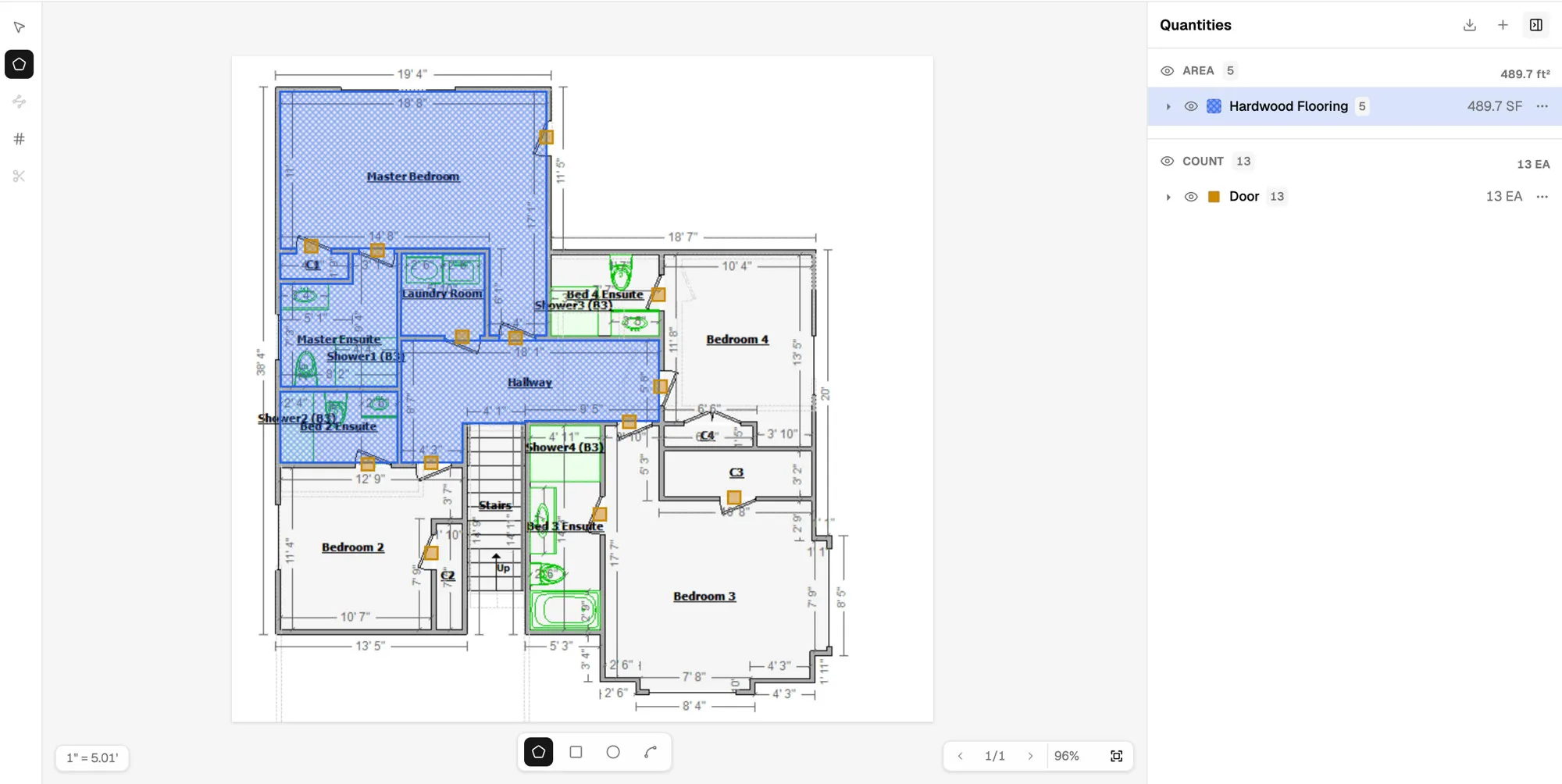
Upload PDFs or images, set scale, and draw directly on the sheet so quantities stay tied to the plan.
Pull quantities into CSV for estimating, scoping, and handoff to Flow or your existing tools.
Replace printed plans, highlighter markup, and retyped quantities with a guided takeoff workflow built for insurance and restoration scopes.
PDF or image sheets ready for scale and markup.
Name area, linear, and count types before you draw.
Trace polygons, lines, and count markers in place.
Send SF, LF, and EA out as CSV for estimating.
A clear loop for estimators and scope writers who need trustworthy numbers fast.
Bring in PDF or image drawings and open the sheet you need to measure.
Calibrate the sheet, then create the area, linear, and count types you will measure.
Trace areas, run linear measurements, and place count markers tied to each classification.
Check the quantities panel, then export CSV for estimating or handoff to the rest of your workflow.
Join AiNDORA Takeoff and turn plan takeoff into clear quantities for restoration scopes, without fighting generic construction software.